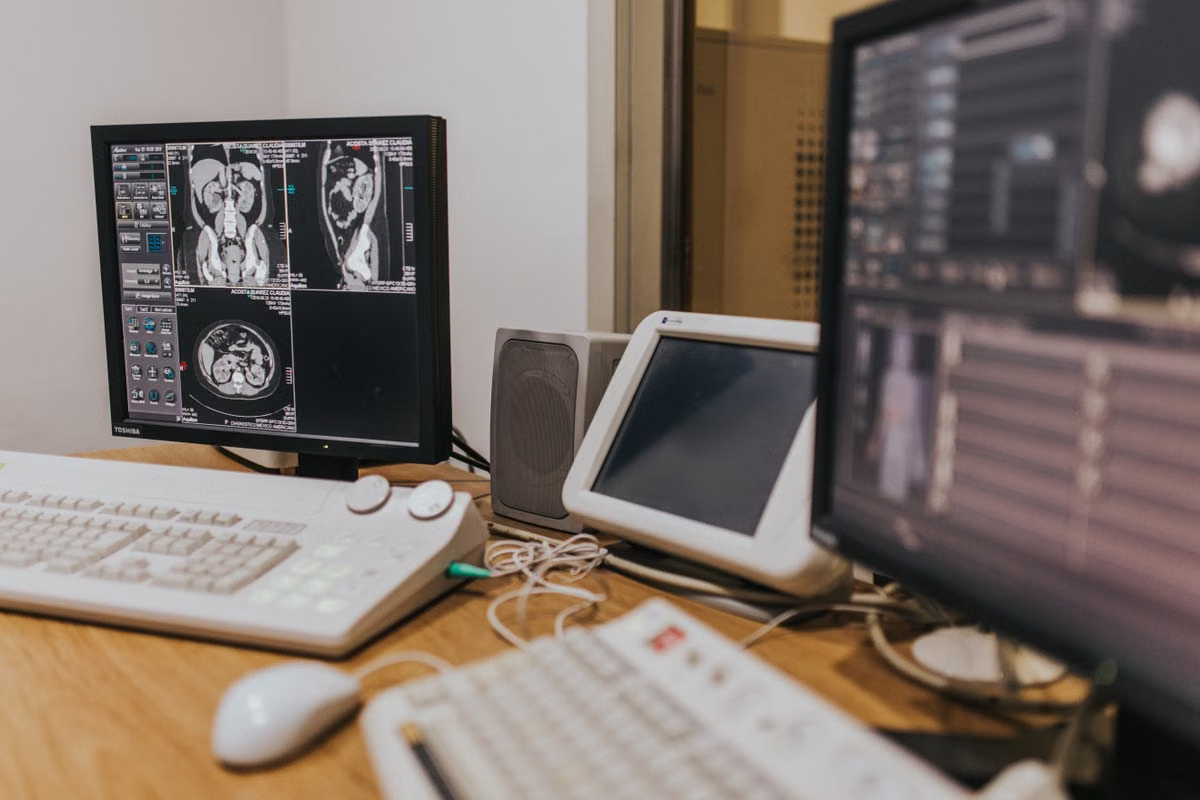
A required 3D Slicer project or extension behaves differently on an Apple Silicon Mac than it does in the lab’s established environment.
Fast decision: as of October 27, 2026, 3D Slicer 5.13.0 has an Apple Silicon preview download, but the official download page warns that preview builds may not be fully usable; keep the validated workflow for active research and test the preview only with a separate copy and non-sensitive representative data. The stable 5.12.4 download page does not offer an Apple Silicon installer. Check the official download page before acting, because package availability can change.
Who should read this: Graduate researchers deciding whether to test 3D Slicer on an Apple Silicon Mac.
Research software maintainers protecting reproducible workflows and team handoffs.
Extension developers checking whether a preview build is useful for an initial compatibility test.
Last updated October 27, 2026; version and download status checked against the official 3D Slicer download page and release information.
Decide by the work you need to protect
The choice is not simply “preview or stable.” It is whether a specific Mac-side check is worth doing before the project depends on it. A preview download confirms that a package is offered; it does not establish that a research workflow is supported, repeatable, or ready for production.
Use the options below to match the build to the work. The stable 5.12.4 and preview 5.13.0 labels refer to the status shown on the official download page on the date above. Recheck that page before downloading, since the status may have changed.
| Option | Best fit | Main risk | Decision |
|---|---|---|---|
| Keep the existing validated environment | Active analyses, deadlines, or work that must be reproduced | Does not answer a new Apple Silicon compatibility question | Keep it as the working baseline |
| Test the 5.13.0 preview separately | An initial Apple Silicon check with non-sensitive representative data | Preview status does not guarantee complete usability or workflow compatibility | Use it for bounded validation, not as an automatic replacement |
| Wait for a stable Apple Silicon package | Projects that cannot tolerate uncertainty or parallel testing | Delays Mac-specific validation | Wait, unless a concrete Mac-side requirement makes an earlier test necessary |
Is the preview suitable for everyday research analysis? Treat it as suitable for investigation only until your own project’s key steps pass review and the project records show what was tested. A successful launch or a project opening is an early checkpoint, not evidence that processing, export, and handoff all work as expected.
Apple Silicon medical imaging analysis also needs to be considered in context. 3D Slicer supports more than one operating system, so a Mac is not automatically required for every imaging task. The official getting-started guide and system requirements help establish the supported platform context; the team still needs to decide whether its particular deliverables require Mac-side verification.
For an individual researcher: explore without replacing the baseline
A graduate researcher may want to answer a narrow question: can this project, dataset, or interaction be checked on an Apple Silicon Mac? If so, a parallel preview test can be useful. It should not silently become the only copy of the working environment.
Before testing, establish whether the research question actually depends on macOS. If the same analysis can be completed and reviewed in the lab’s established Linux or Windows setup, a preview test may add little to the immediate research result. If a collaborator, target user, or project deliverable specifically requires Mac-side behavior, define that requirement before installing anything.
Use a copy of the project and non-sensitive representative data. Keep the original project files and the environment used for ongoing analysis unchanged. Do not infer a feature difference, speed advantage, or broader compatibility from the fact that the preview launches; those claims need direct evidence from the relevant project and documentation.
For a reproducibility record, note the build shown by the application, the operating system information, the data used, the steps attempted, and the resulting files. Record failures as well as successful actions. The point is to make the test interpretable later, not to create a claim that the application has been fully validated.
A simple record template can keep that distinction visible:
Build:
Test purpose:
Data status: non-sensitive representative copy
Project opened:
Key operation checked:
Export checked:
Handoff checked:
Observed issue:
Reviewer and date:
Should an Apple Silicon Mac run the preview or the stable version? If the work is exploratory and can be isolated from active research, the preview is a candidate for a controlled test. If the work must continue without interruption, keep the validated baseline and wait for a stable Apple Silicon package or a documented approval for the environment the team already uses.
The version comparison also matters for project continuity. 3D Slicer’s documentation describes saving scenes through the application and its developer interfaces; use the scene saving documentation to understand the project-saving path, then verify that your own project reopens and preserves the information your team needs. Do not assume a file’s existence alone proves that the scene is complete or portable.
For workflow maintainers: separate stable work from preview checks
A lab administrator or workflow maintainer has a different decision to make. The question is not whether someone can open the preview; it is whether introducing it could make a shared process harder to reproduce or support.
Keep the existing validated environment assigned to current project work. Run preview checks in an independent application setup or on a separate test machine, and use a project copy rather than a working team file. If your lab cannot isolate the preview from the production workflow, wait until it can; otherwise, an exploratory test can become an untracked change to the environment other researchers rely on.
Set acceptance criteria before testing. At minimum, review these checkpoints against the project’s actual requirements:
- The project opens with the expected data and scene content.
- The steps needed for the research task can be performed and repeated.
- Required results can be exported in the expected form.
- Another team member can receive the files and review or continue the work.
- The team can identify which build and environment were used for the test.
These checks are deliberately more demanding than “the application started.” A project that opens but cannot complete a key processing step has not passed the workflow. A result that exports but cannot be interpreted or handed off by a colleague also needs follow-up before the preview is used for shared work.
For DICOM-based work, make the relevant import and review steps part of the test rather than assuming that a general project check covers them. The official DICOM module documentation describes the module; the lab should separately verify its own data handling, permissions, and institutional requirements. Do not move sensitive data into a test environment unless the project’s governance rules explicitly permit it.
Maintain a concise project record alongside the test files. It should identify the purpose of the check, the build examined, the representative data used, the steps completed, and the reviewer’s decision. If the test does not cover a required workflow step, mark that step as unverified instead of extrapolating from the parts that passed.
Can the preview become the lab’s formal workflow? Only after the relevant project steps have been reviewed, documented, and accepted by the people responsible for the work. A preview download and a successful launch are not substitutes for that approval.
For extension developers: use the preview as an early compatibility signal
An extension developer can use 5.13.0 to check whether an extension loads and whether a small number of important interactions behave as expected. That is an early signal, not a compatibility guarantee for the extension or for a lab’s full workflow.
Start by defining what the check is meant to establish. For example, distinguish loading the extension from exercising a critical interaction or confirming that a project using it can be saved and reviewed. Keep a record of the extension version, the Slicer build, and the specific actions tested. Avoid announcing general compatibility based on a single successful test.
Check the official material relevant to the claim before attributing a failure to an API change or a preview-specific difference. The extension user documentation explains extension use, while the extension developer documentation is the appropriate reference for development questions. If neither documentation nor a reproducible project record supports a claimed change, report the observed behavior without guessing at its cause.
A preview test also does not replace validation against the stable version the intended users actually run. If an extension is meant to support a particular stable environment, test and document that target separately. This matters for research groups that need to repeat an analysis after the preview has changed or disappeared from the current download options.
For Linux- and Windows-first labs: add Mac checks only when acceptance requires them
3D Slicer is not a Mac-only application, so laboratories that work primarily on Linux or Windows do not need to add an Apple Silicon Mac simply because a preview package exists. First identify what the project must deliver and which operating-system-specific behavior, if any, is part of acceptance.
A Mac-side check is more likely to be relevant when the project requires a macOS deliverable, depends on an interaction that must be reviewed on macOS, or needs a cross-platform file handoff verified on the target platform. If none of these conditions applies, the lab may be able to keep its existing environment and document that Mac-side behavior was outside the project’s acceptance criteria.
For a cross-platform project, do not use “the same file opened” as the only handoff test. Identify which scene content, input data, extensions, and outputs the receiving team needs. Then ask a colleague to review the copied deliverables in the intended environment. The test should reflect the project’s actual transfer path and institutional constraints, not an idealized example.
Does every medical imaging project need Mac acceptance testing? No. Add it when the deliverable, a required interaction, or the cross-platform handoff calls for it. Otherwise, record the platform scope and avoid turning a preview build into an unnecessary dependency.
For labs without Apple Silicon: scope a remote Mac check carefully
A lab without an Apple Silicon Mac can still decide whether a Mac-side check is necessary, but it should not treat remote access as a universal substitute for local testing. First define the test: remote graphical interaction, an initial extension check, project opening, or a full handoff rehearsal. These are different levels of validation.
Then check the constraints that could disqualify a remote environment. Sensitive data may be prohibited from leaving an approved institutional system. A workflow may depend on display conditions, local peripherals, or interaction requirements that cannot be assessed through the planned remote setup. If any of these are essential, confirm that the chosen environment can meet the requirement before transferring data or scheduling the test.
For a non-sensitive test, use a representative copy and apply the same acceptance criteria as an on-site check. Record what was actually tested and what remains unverified. Remote graphical interaction can support a bounded check only when the project’s data rules and the required interaction permit it; it does not by itself prove that the lab’s full workflow is supported.
How can a lab without its own Apple Silicon Mac check the Mac version? First confirm that the project permits the test data to be used in the proposed environment, then confirm that the required graphical and handoff checks are possible there. ViewMini’s remote Mac service overview is a starting point for reviewing the available service information; verify its current capabilities and suitability for your task before relying on it. No configuration, performance, delivery method, or price is assumed here.
Run a bounded validation before changing the workflow
Use this sequence to keep the decision auditable:
- Check the official status. Revisit the 3D Slicer download page and confirm which stable and preview packages are currently listed for Apple Silicon. Do not rely on an older saved installer page when making a new decision.
- Write down the reason for testing. State whether the goal is to inspect a Mac-specific deliverable, check an extension, or rehearse a file handoff. If no Mac-specific acceptance requirement exists, keep the established environment.
- Choose safe test material. Use a non-sensitive representative copy unless the institution has explicitly approved the proposed data handling. Keep original files and the current analysis environment unchanged.
- Isolate the preview. Prevent preview testing from replacing or silently altering the environment used for active work. If the lab cannot maintain that separation, defer the test.
- Run the required project steps. Check opening, the critical processing actions, export, and handoff only to the extent required by the defined test. Record each result separately.
- Review the evidence. Have the responsible researcher or maintainer assess the project record. Mark untested steps as unverified; do not treat successful startup as workflow approval.
- Make a scoped decision. Continue exploratory checks, retain the established baseline, or adopt a later approved environment only after the evidence matches the project’s acceptance criteria.
The decision rule is straightforward: use the preview to answer a bounded question; preserve the validated environment for work that depends on established results. For teams that cannot separate those activities, postponing the preview test is safer than making an unreviewed version change.
Choose the next step without overcommitting
The current choice is between keeping a known research baseline and adding a preview environment for a specific Mac-side check. The preview can help identify issues early, but it also leaves uncertainty about usability and workflow coverage; switching active work can complicate reproducibility, team handoffs, and later review if the test record is incomplete.
A remote Mac can be worth evaluating when the lab lacks Apple Silicon hardware and genuinely needs graphical Mac-side validation. It is not the right answer when institutional data rules prohibit the test, when local peripherals or display conditions are essential, or when the required environment cannot be confirmed. In those cases, keep the project in its approved setup or arrange an institutionally compliant test device.
If a temporary Mac environment appears appropriate, review the current details on the ViewMini service page and verify that its actual capabilities fit the project before using it. The 3D Slicer 5.13.0 preview remains a validation target—not a reason by itself to replace the stable research workflow.
Further reading
Test Your 3D Slicer Workflow on a Dedicated Mac
Validate the 5.13.0 preview on a dedicated Apple Silicon Mac before changing your lab’s established setup.