
Windows users cannot open Figma AI image selection directly in the Windows workflow described by Figma’s release notes. This guide helps you check the platform boundary, test a macOS desktop workflow with a reversible image, and decide whether to keep your current process or evaluate a remote Mac.
For a local final iOS build, Unity 6.6 requires macOS and Xcode; exporting an Xcode project from Windows or Linux is only an earlier step. This guide compares remote Mac and Unity Build Automation workflows by project generation, plugins, signing, testing, and release control.
This guide is for Flutter developers and CI operators who need to build and sign an iOS app without relying on a local Mac. It follows the work from environment checks through dependency review, signing, archive creation, and repeatable release acceptance.
This guide is for researchers and university teams maintaining Apple-platform apps who need to plan Xcode Cloud usage. It explains how to combine workflow frequency, recorded compute hours, and parallel testing, then decide whether CI covers the work or an interactive macOS environment is also needed.
CI platform engineers, QA leads, and technical owners need to decide when an application crash in a UI test should warn, fail a job, or block a release. This guide separates Xcode Test Plan settings from team policy, then provides role-based checks and an evidence-led rollout method.
For sellers and advertising teams dealing with failed, slow, or incomplete account downloads in Google Ads Editor on Mac. Follow a symptom-based path through account access, network settings, download scope, and local changes before deciding whether an independent macOS test environment is useful.
This guide helps students separate an Xcode or SDK support warning from a project-code error. It explains how to verify the tools used to build an archive, interpret App Store Connect statuses, and choose a safe next step before changing code or switching environments.

For Windows-based music makers and studios considering a remote Mac, the key decision is to wait for the announced feature to become available, then verify host eligibility rather than assume that a remote connection is enough. This guide checks the announced requirements and maps out tests for starting a song, setting up a vocal track, and continuing an existing project.

If a project builds for iOS but fails for Mac Catalyst, check the target, SDK, and API platform support before changing shared code. This guide shows how to assess the Xcode 27.2 RC notes, test a conditional-compilation workaround, and collect a reproducible report.
If the remote Mac meets Apple’s silicon and macOS requirements and permits the needed virtualization and network behavior, Apple Container machine can support Linux development and project testing. This guide follows the deployment timeline from host checks and installation through file, service, and CI acceptance.

For Apple Silicon labs, the 3D Slicer 5.13.0 preview is a test candidate, not an automatic replacement for a validated research setup. This guide compares user needs, sets out a controlled validation process, and explains when a Mac check adds value to a cross-platform workflow.

For digital nomads deciding whether to travel with a MacBook Neo, add a cloud Mac only when a specific remote task justifies the extra cost. This guide separates purchase and rental expenses, weighs offline work and connectivity, and gives a repeatable way to compare options using current local prices.
For teams maintaining Xcode 27.2 CI, this guide separates simulator clone permission failures from runtime and device problems. It shows how to collect evidence, validate Apple's handling on an isolated Mac, and decide whether to pause, pilot, or proceed with an upgrade.

This guide helps cross-border sellers and team leads identify why copy and paste fails in a remote Mac session. Follow the connection and content checks in order, compare text and file transfer options, and record a useful retest before changing system settings.
If you are preparing an iOS app submission, you do not need to rewrite your app just because Apple revised its guidelines. This guide helps you check creative assets, remotely enabled features, store claims, and reviewer access, then organize any fixes before submission.
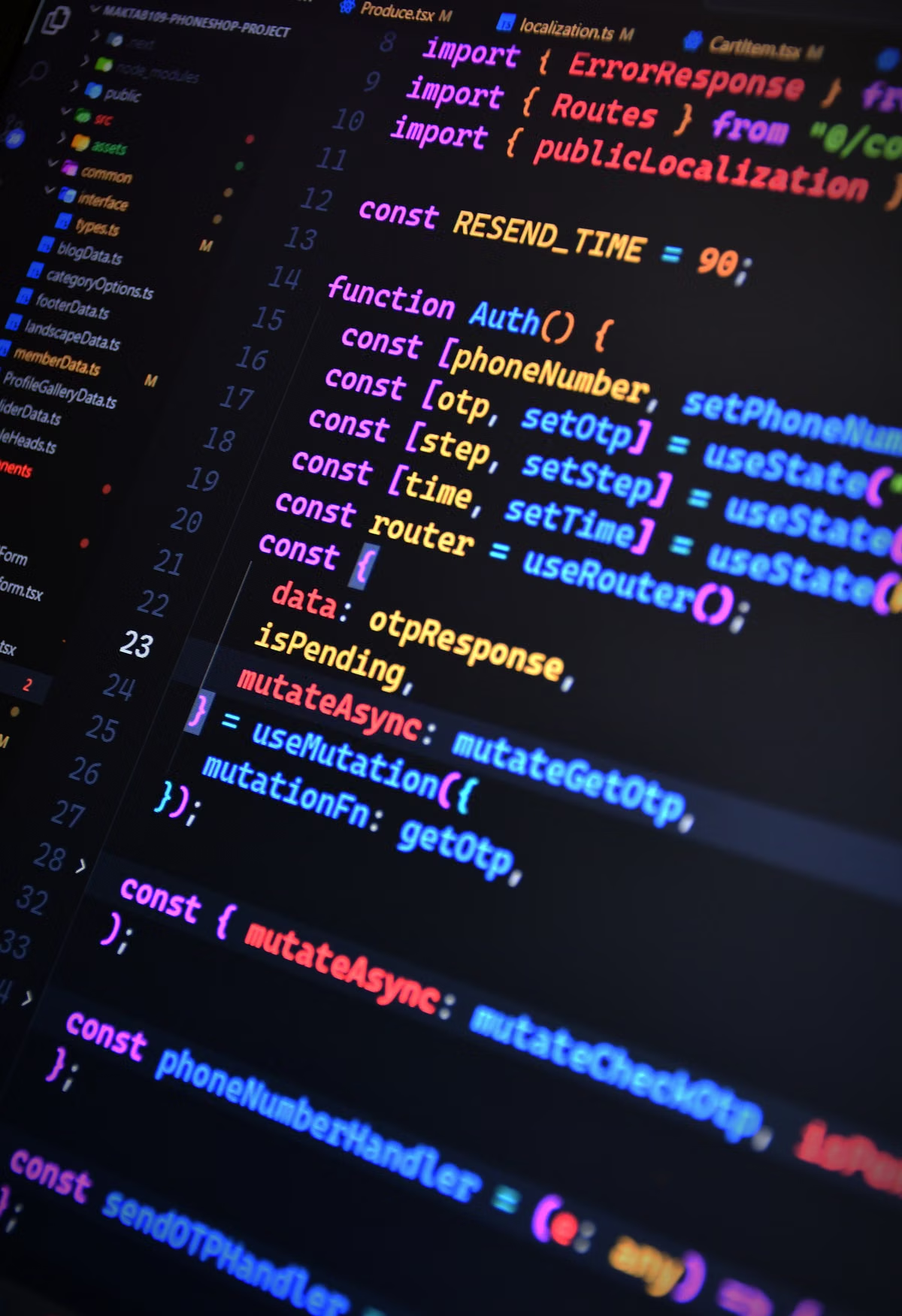
This guide helps Swift and iOS beginners use the Xcode 27 coding assistant for explanations and small, focused tasks without treating generated code as a correct answer. It covers setup, prompts, code review, build checks, privacy, and how to assess a Mac environment when a course requires Xcode.

Generate an oriented JPEG during an iOS test and check its metadata, on-screen orientation, and exported pixel dimensions independently.

Collect an exported PDF from an iOS simulator, verify page structure and expected text with PDFKit, and flag content that still needs visual inspection.

A repeatable check for readable text, reachable controls, and complete scroll paths as iOS text sizes increase.
Articles coming soon
No articles have been published yet. In the meantime, compare models, rental terms, and connection steps.
Featured series
Coming soon
In the meantime, explore device plans and connection guides.